- Repair Job Covered: Covers only the specific repair service job performed and the exact replacement parts used by us.
- No Physical Damage Covered: Strictly does NOT cover drops, bends, glass/screen cracks, pressure spots, or subsequent impact damage of any kind.
- No Water Damage Covered: Strictly does NOT cover devices with any pre-existing or post-repair liquid or moisture damage.
- Warranty claims require presentation of the original repair receipt and are non-transferable.
- Verification: All warranty claims must be verified and approved by our technician.
iPad Repairs
Fast iPad Screen Replacements & Glass Swaps
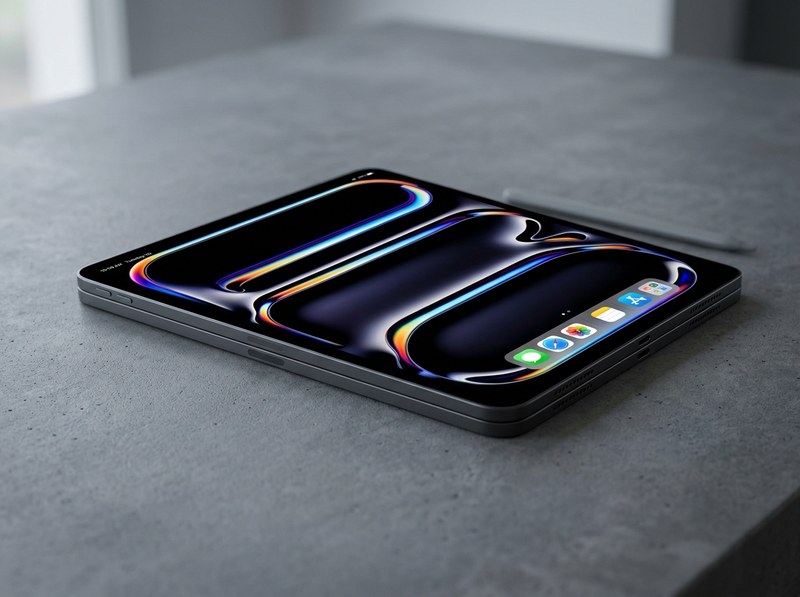
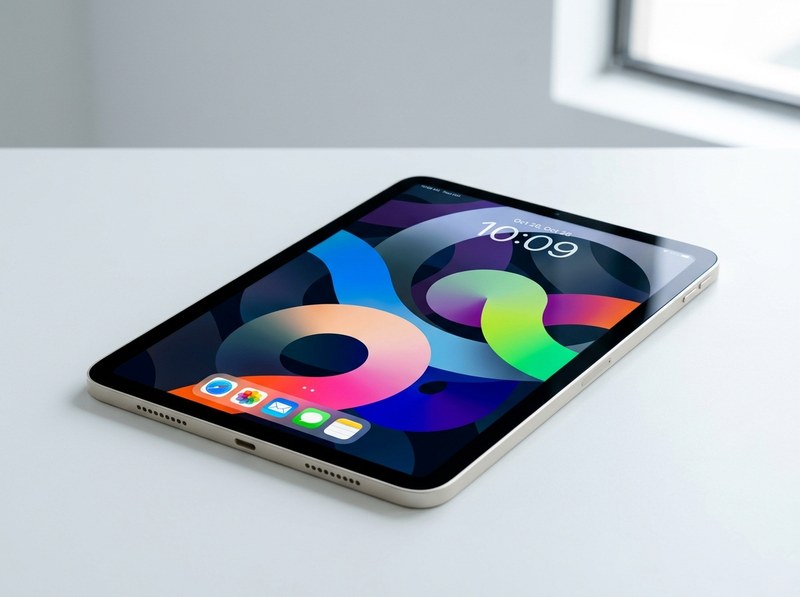
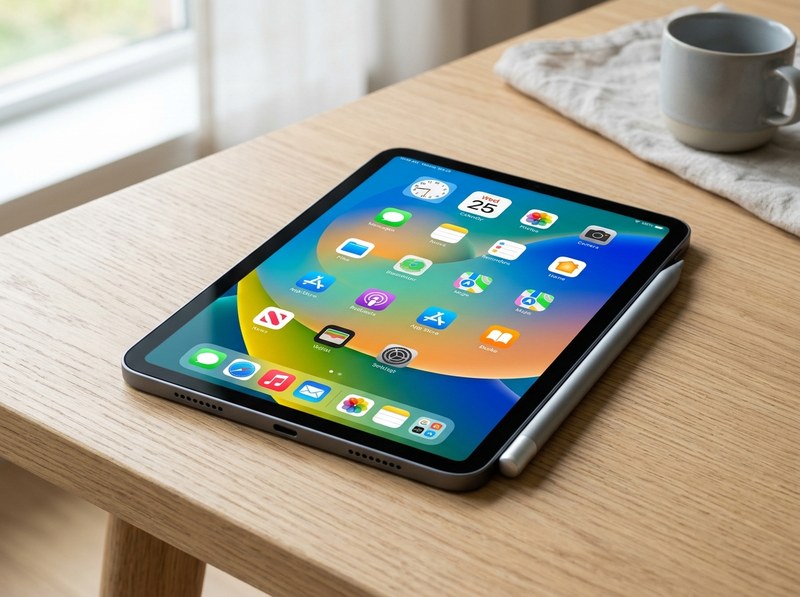
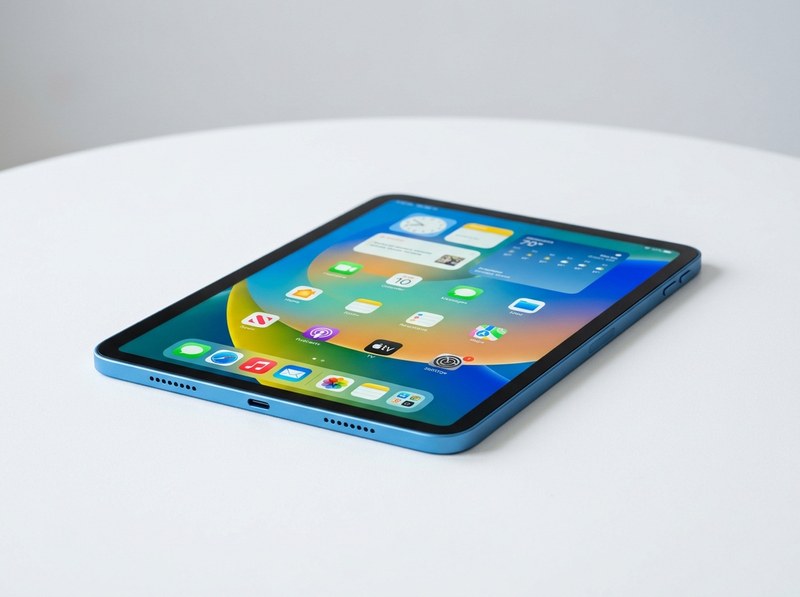
A broken tablet shouldn't disrupt your daily routine. Our experienced technicians in Lewisville, TX, provide rapid diagnostics and professional repair services for all iPad models, including iPad Pro, Air, Mini, and standard versions. We specialize in glass and LCD screen replacements, battery installations, charging port repairs, and resolving software glitches. Bring your tablet to My Cell Phone Repair at 413 East Round Grove Road Suite 102 for a swift, reliable fix with top-tier replacement parts.
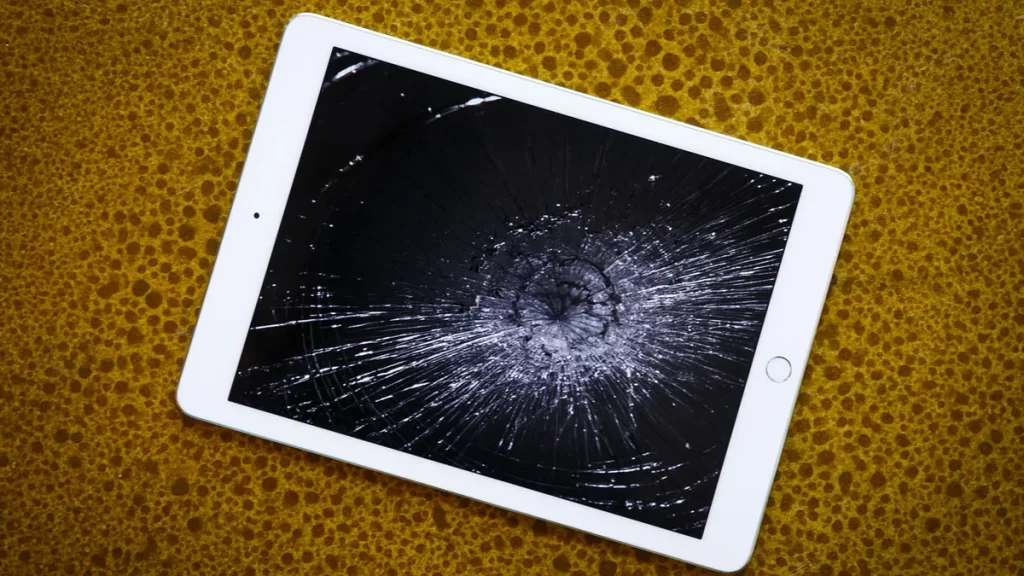
Broken iPad Glass Replacement
Swift and Reliable Service to Restore Your iPad’s Display to Pristine Condition
Accidents happen, but a cracked iPad screen doesn’t have to disrupt your digital experience. Our broken iPad glass replacement service offers a seamless solution to restore your device’s display to its original pristine condition. Whether it’s a minor crack or a shattered screen, our skilled technicians utilize precision techniques and high-quality replacement glass to ensure a flawless repair. With a commitment to efficiency and customer satisfaction, we strive to minimize downtime and have your iPad back in your hands in no time. Don’t let a cracked screen hinder your productivity or enjoyment—trust our expertise for swift and reliable broken iPad glass replacement.
Major iPad Issues
Cracked or Damaged Screen: Accidental drops or impacts often lead to cracked or shattered screens, requiring replacement.
Battery Degradation: Over time, iPad batteries degrade, resulting in reduced battery life and the need for replacement.
Water Damage: Despite some models being water-resistant, exposure to water can still damage internal components, necessitating repairs.
Software Glitches: iPads can experience software issues such as freezing, crashing apps, or failed updates, impacting usability.
Charging Port Problems: Issues with the charging port can result in difficulties charging the device or connecting it to a computer.
Speaker or Microphone Malfunction: Problems with the speaker or microphone can affect audio quality during calls or media playback.
Touchscreen Sensitivity Issues: Some iPads may experience touchscreen sensitivity issues, including unresponsive areas or erratic touch behavior.
Wi-Fi or Bluetooth Connectivity Problems: iPads may encounter difficulties connecting to Wi-Fi networks or Bluetooth devices, impacting wireless functionality.
Home Button or Touch ID Failure: Mechanical issues or sensor malfunctions can affect the functionality of the Home button or Touch ID fingerprint sensor.
Physical Damage to Housing: Apart from the screen, iPads can suffer physical damage to their housing, such as dents or scratches, which may require repairs for aesthetics or structural integrity.